You should have received credentials for your new account. If you have not received your Apple Managed credentials, please send an email to support@regimentsecuritypartners.com
1. Go to Settings→ General → VPN & Device Management → Sign in to Work Account
a.If you see an account already listed, please remove it and continue to the next steps.
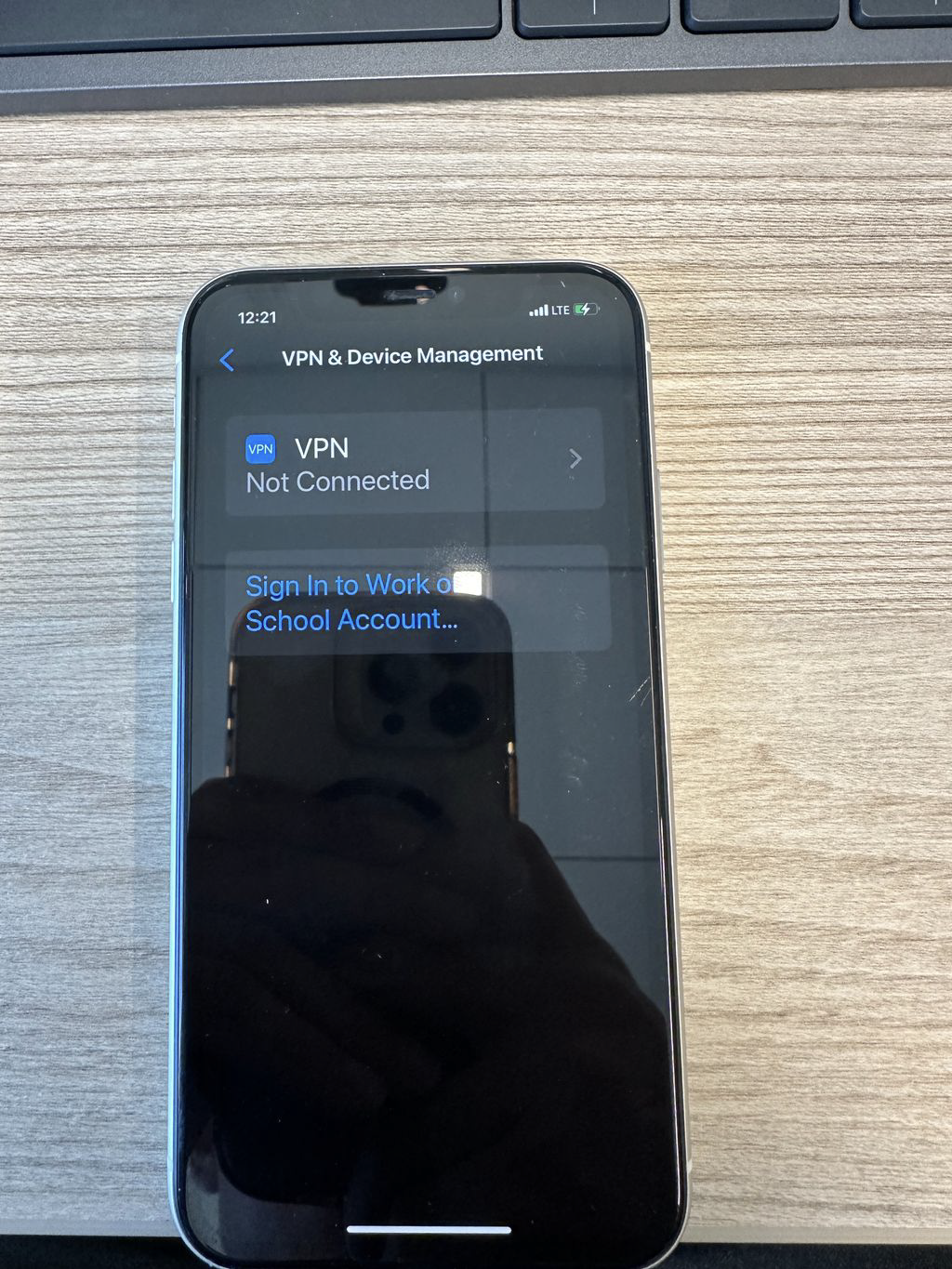
2. Enter the email and temporary password you received for Apple: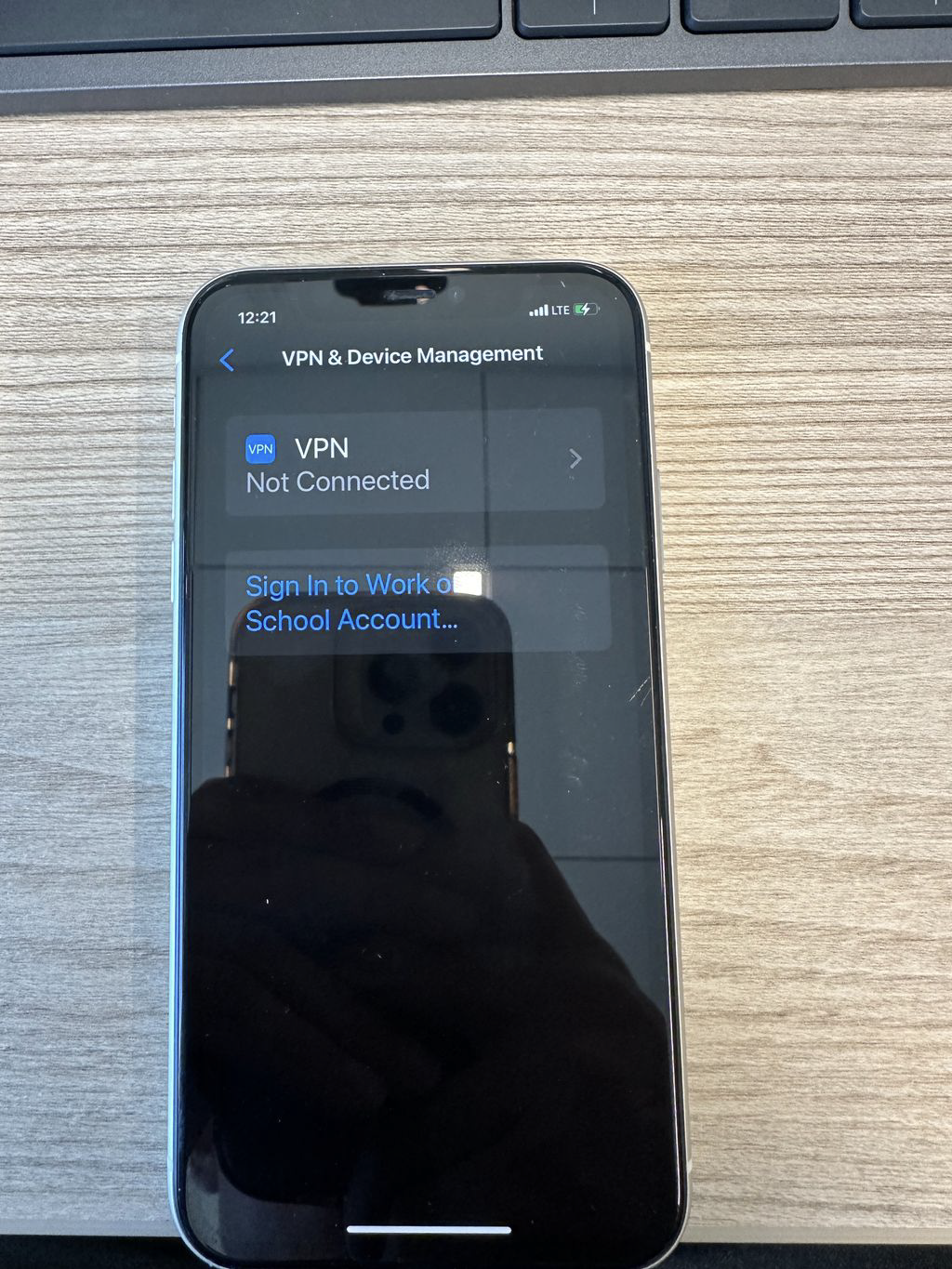
3. Re-enter the password and create a new password. This password is for your work-managed Apple ID: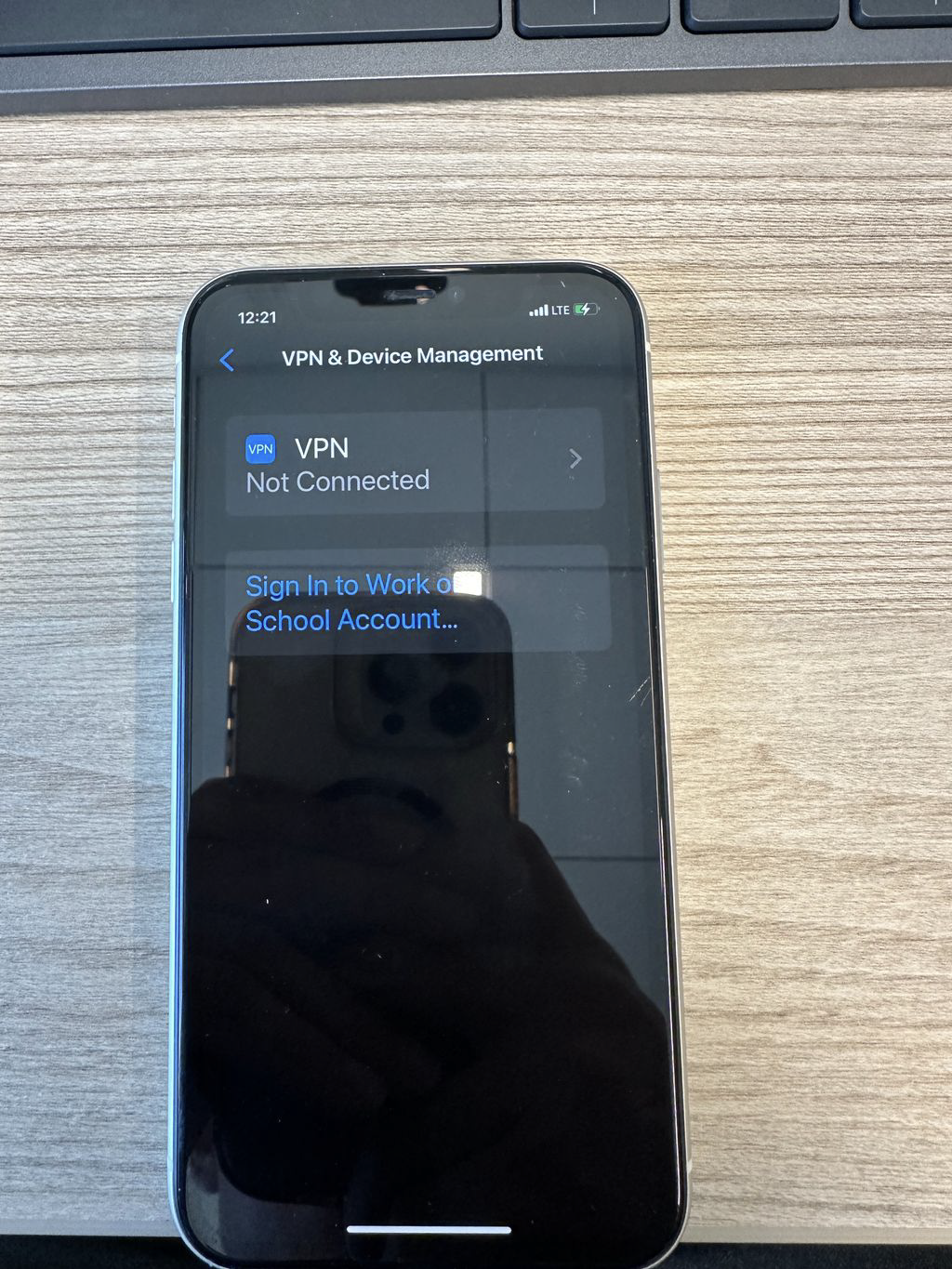
4.Verify your work phone number.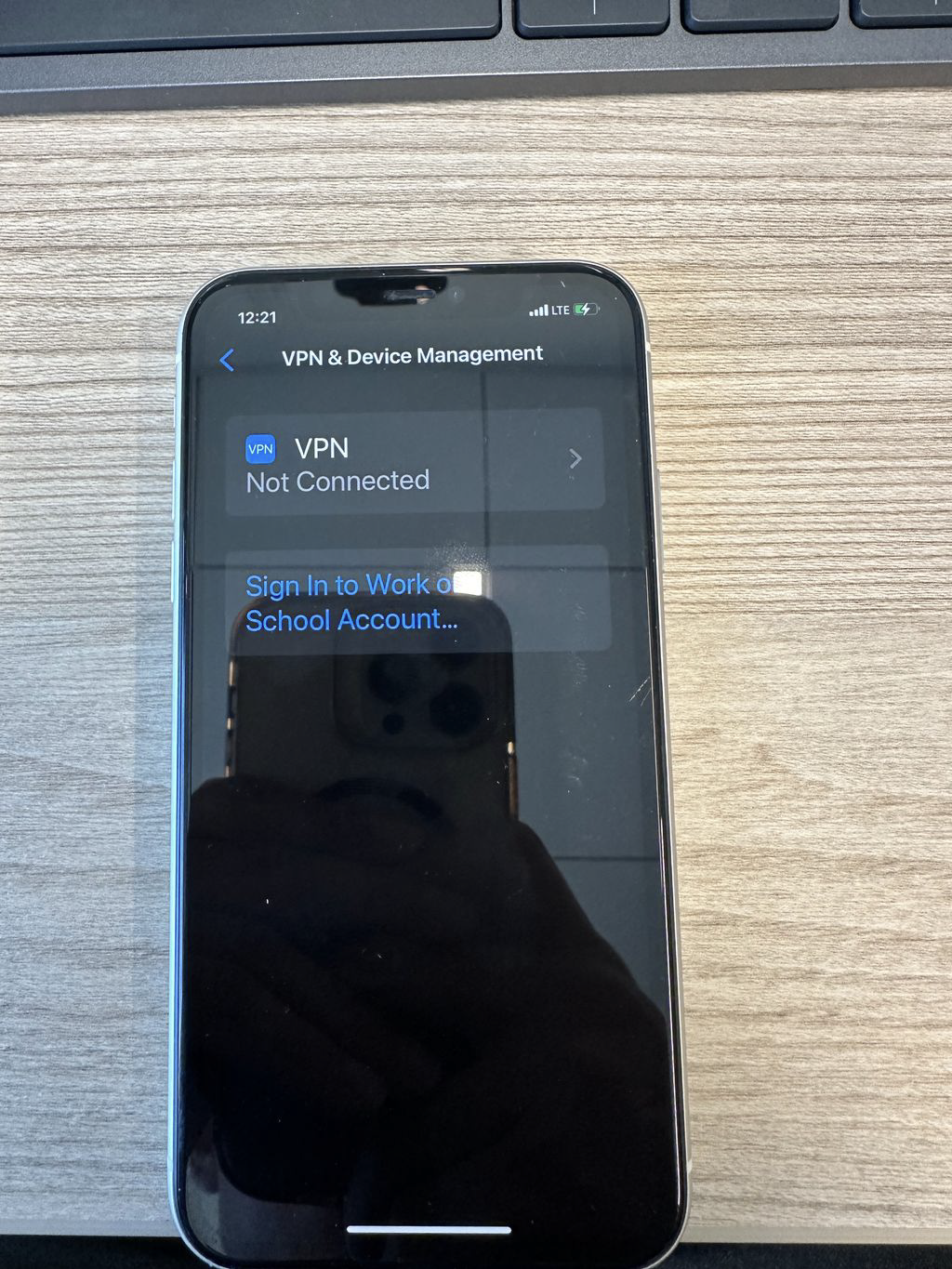
5.Select Allow Remote Management: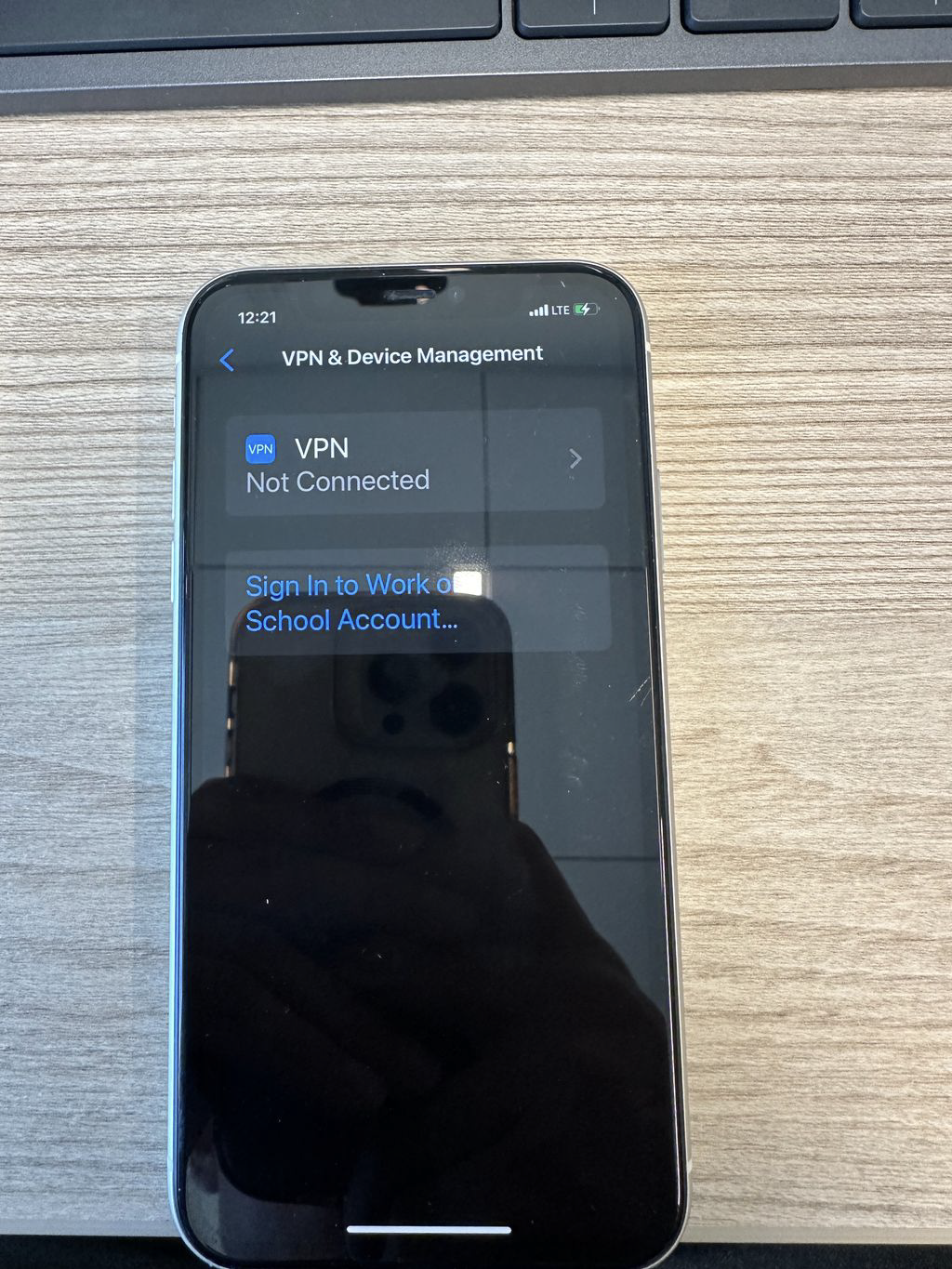
6.You are done when you see the following screen: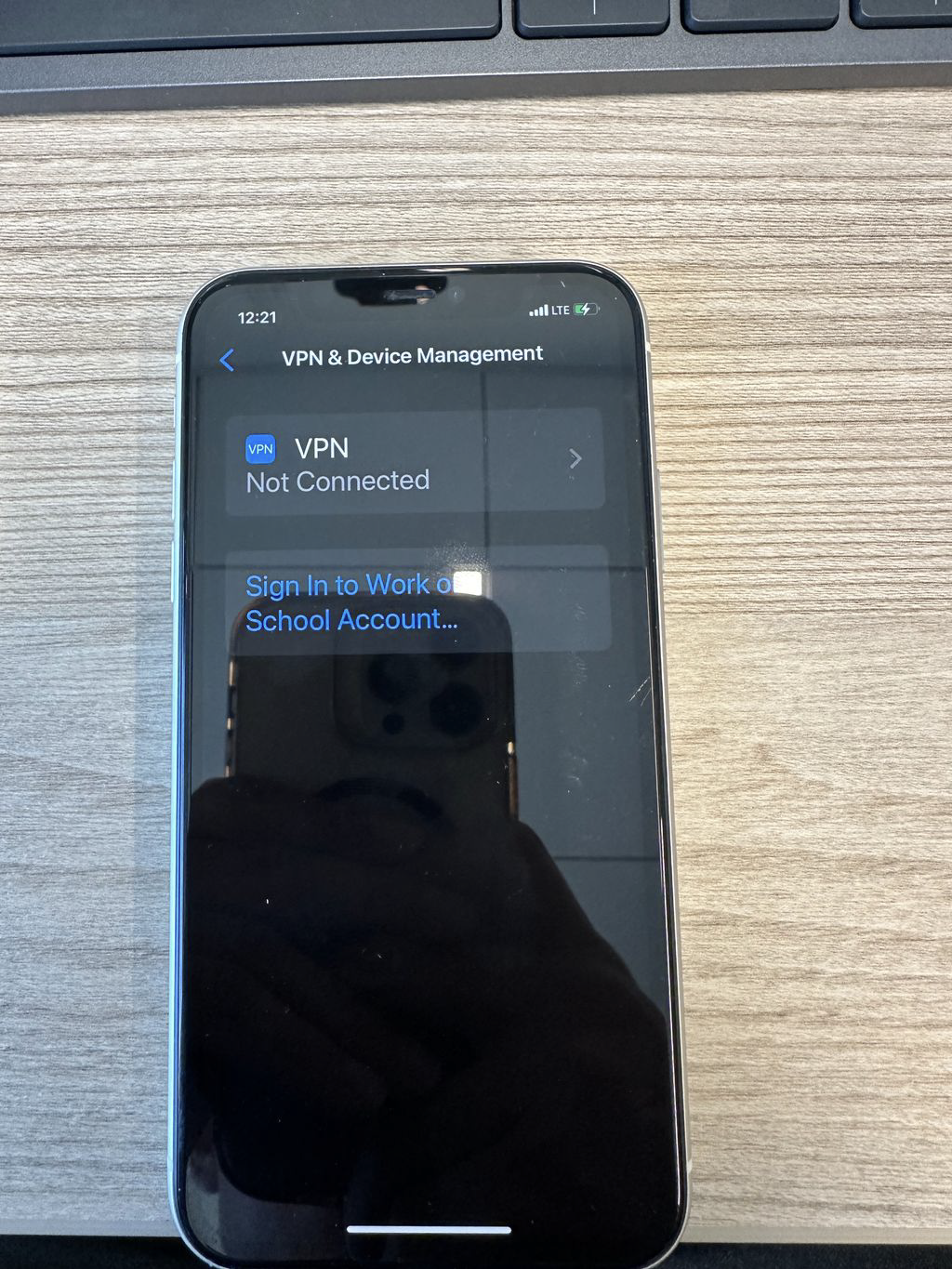
Was this article helpful?
That’s Great!
Thank you for your feedback
Sorry! We couldn't be helpful
Thank you for your feedback
Feedback sent
We appreciate your effort and will try to fix the article